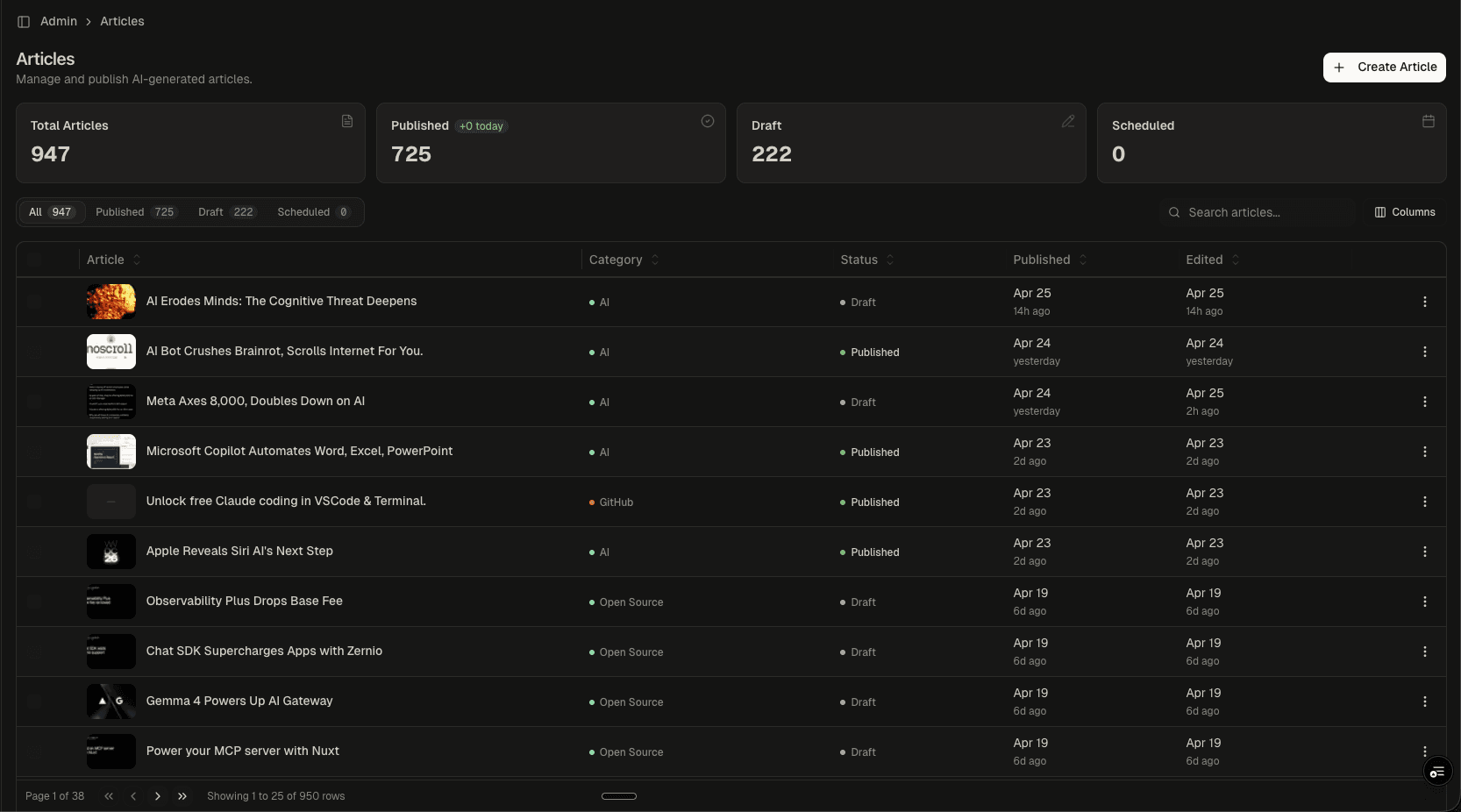
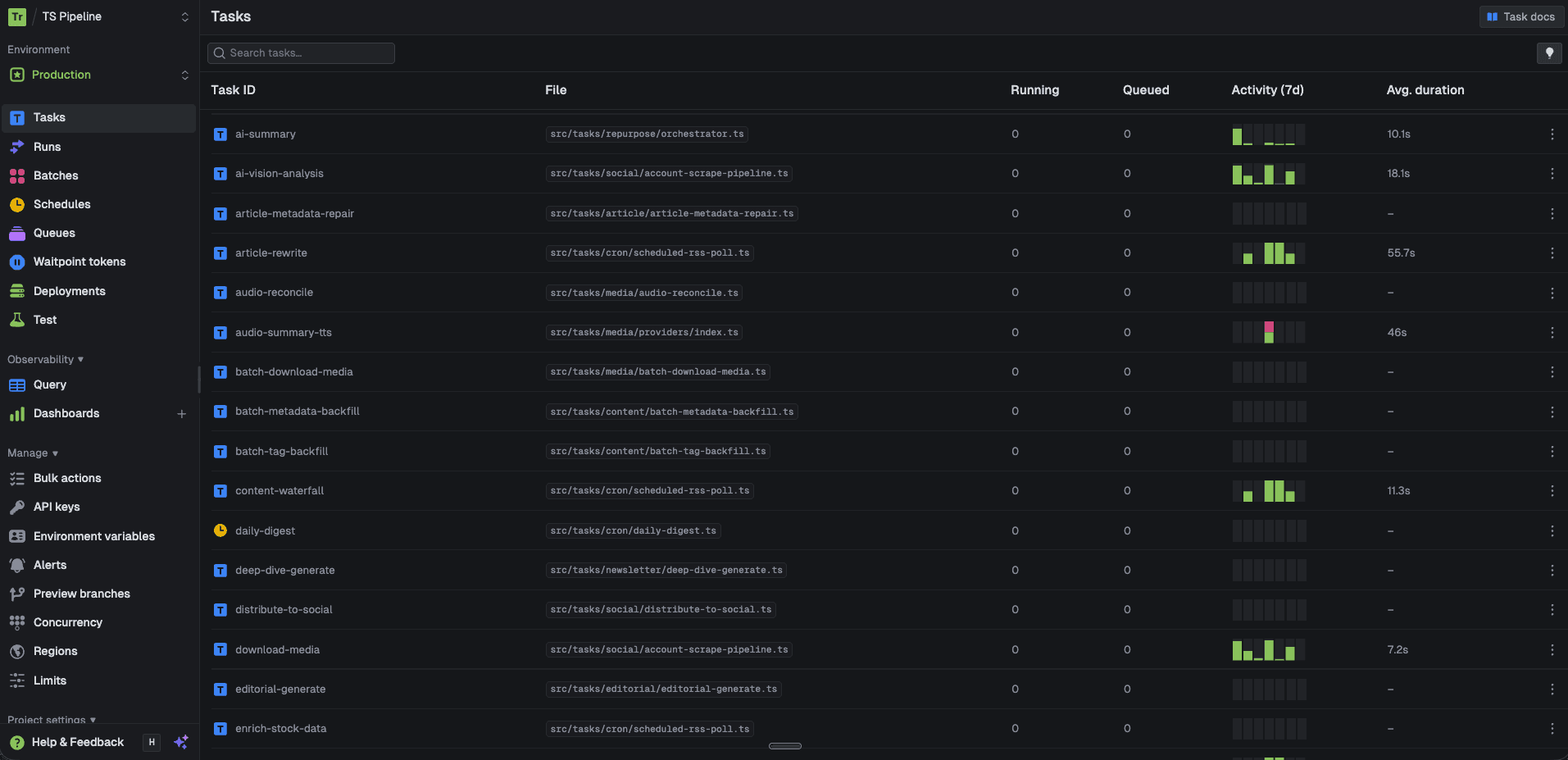
Newsletter Engine
A CMS-native newsletter system that composes, previews, and delivers email briefings built from published articles. Editors assemble issues using drag-and-drop content blocks, configure audience segments, write intro/outro copy, and preview the final email across desktop and mobile viewports before publishing through Resend.
Article Picker
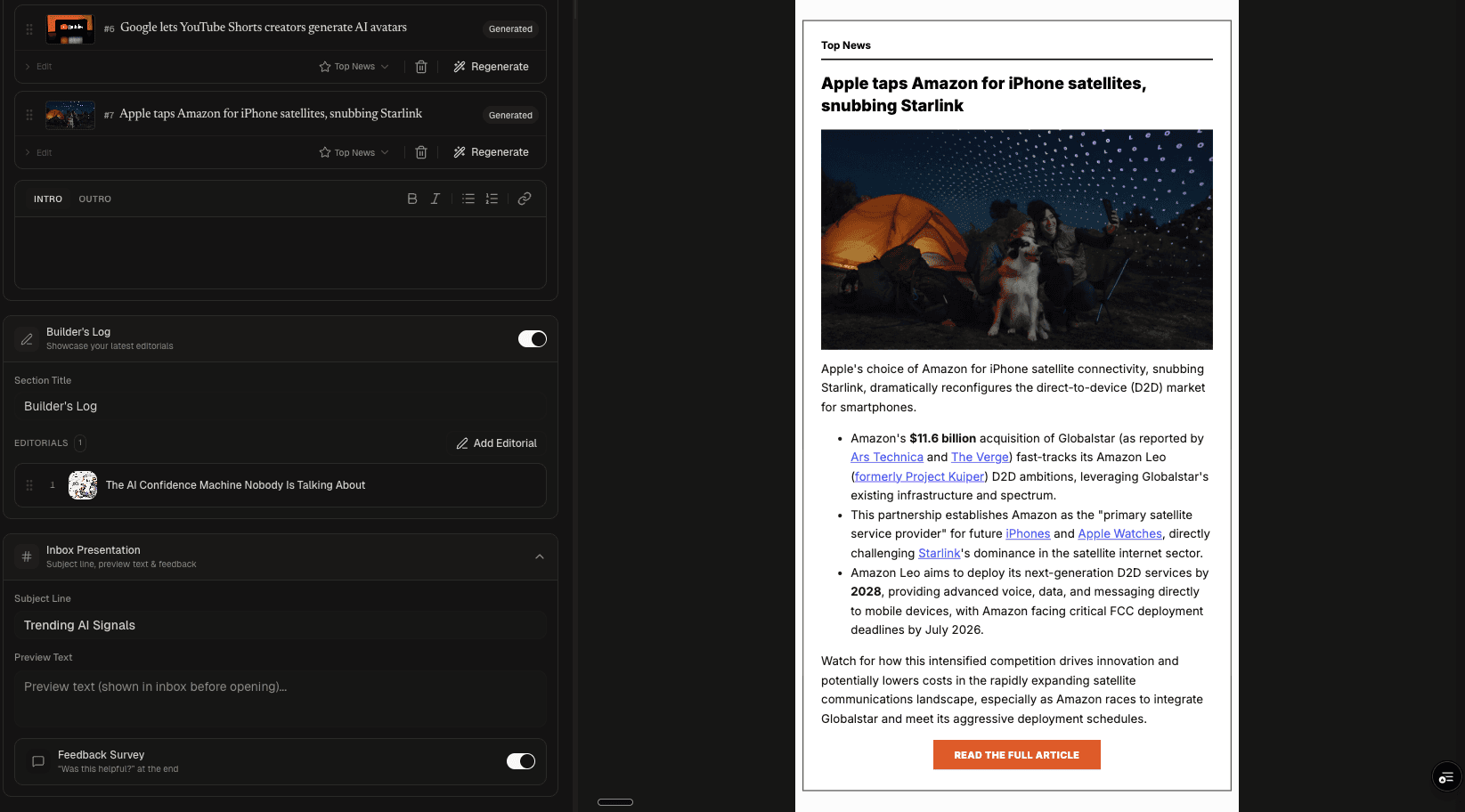
Full Composer
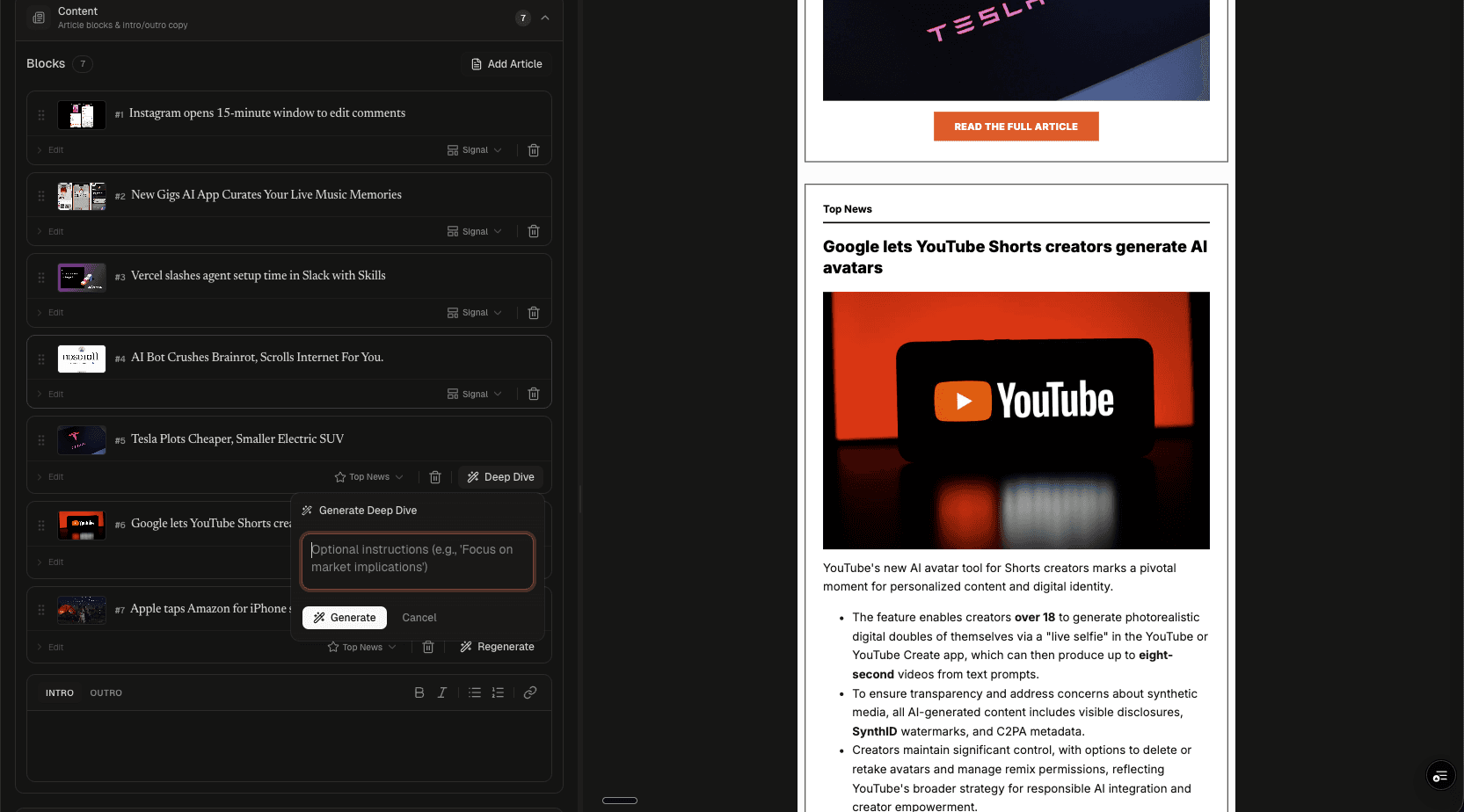
AI Deep Dive
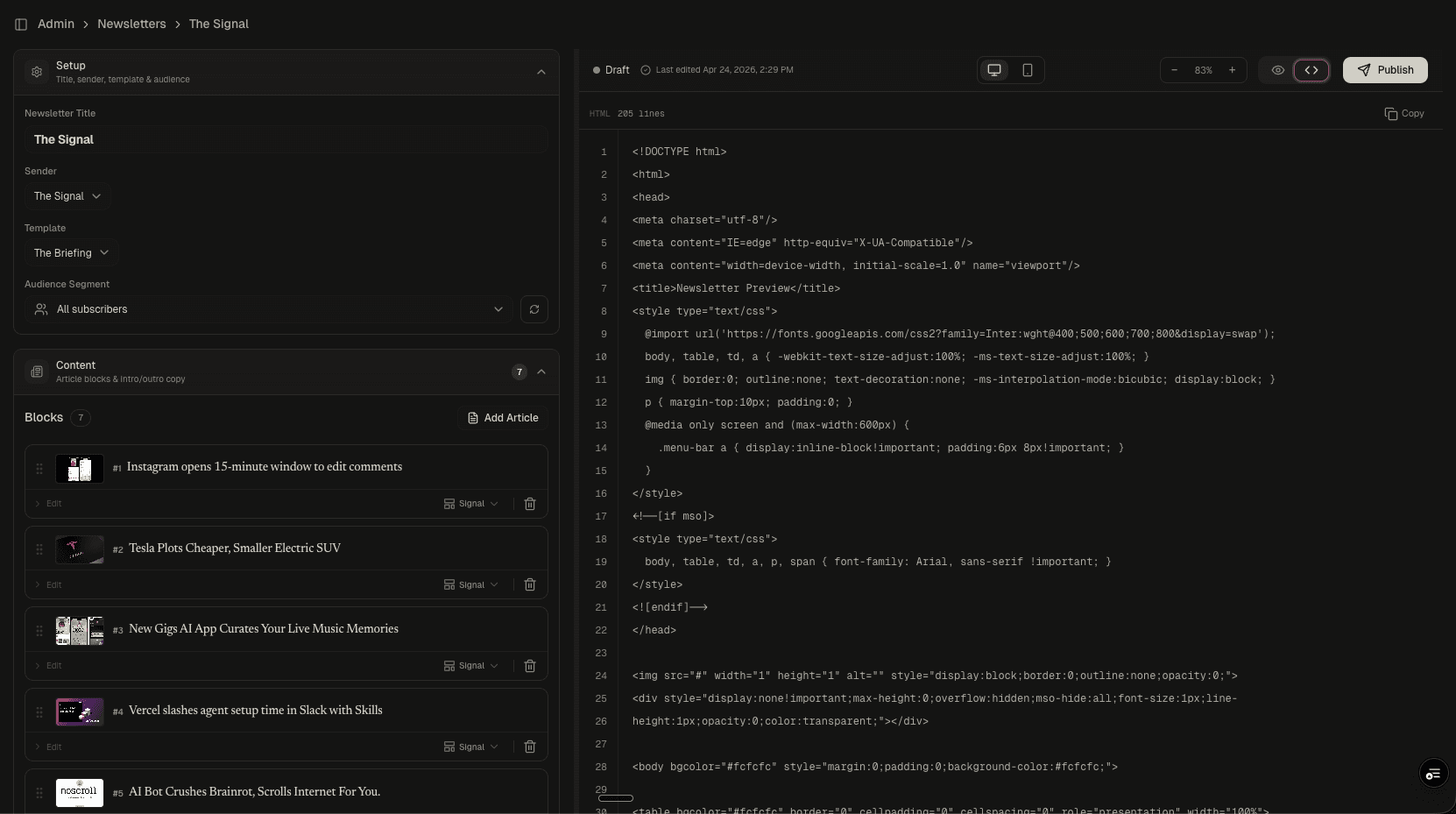
HTML Source
Why This Exists
Most newsletter tools (Mailchimp, Beehiiv, ConvertKit) are standalone products. Your content lives in one system, your newsletter lives in another, and you manually copy-paste between them. When you publish 20+ articles per week, that workflow breaks down fast.
This newsletter engine is built directly into the CMS. It reads from the same article database, uses the same media assets, and shares the same taxonomy. An editor assembles a newsletter by selecting published articles, not by re-entering content.
The Composer
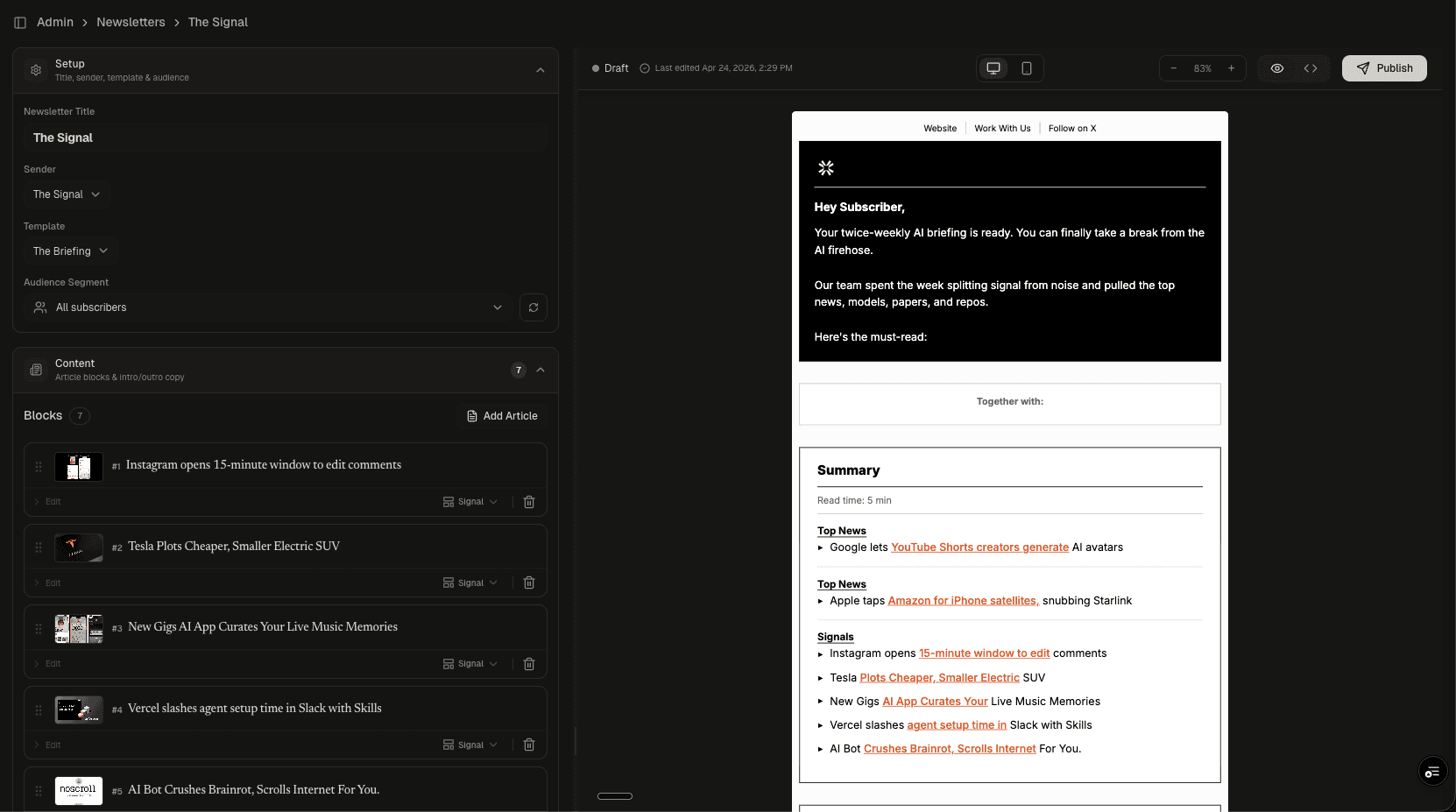
The left panel is the editorial workspace. The right panel is a live preview that updates as you build.
Setup controls the newsletter identity: title ("The Signal"), sender profile, template selection ("The Briefing"), and audience segment ("All subscribers" or targeted segments). Each of these is a dropdown pulling from the database, not hardcoded.
Content Blocks are the core of the composer. Each block represents one article pulled from the CMS catalog. Blocks show the article's featured image, title, and a "Signal" classification badge. Editors reorder blocks with drag handles and remove them with one click. The "Add Article" button opens a search modal across the full article library.
Intro/Outro sections sit between the content blocks and use a rich text editor with standard formatting (bold, italic, lists, links). The intro appears at the top of the email ("Hey Subscriber, Your twice-weekly AI briefing is ready...") and the outro closes it.
Article Selection
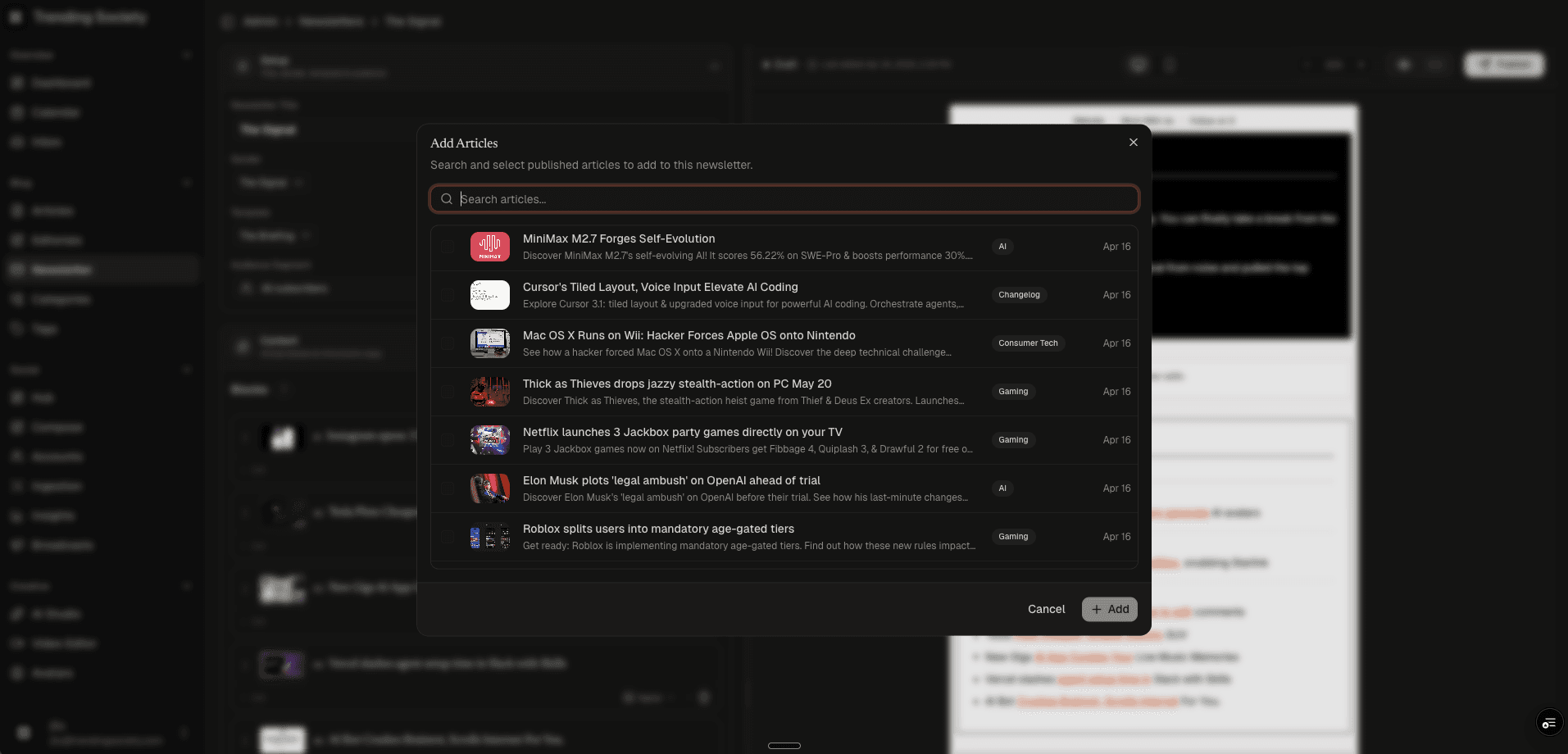
The article picker modal searches across the entire published catalog. Each result shows:
- Featured image thumbnail
- Article title and excerpt
- Category badge (AI, Changelog, Consumer Tech, Gaming)
- Publish date
Editors can search by keyword and filter by recency. Selected articles become content blocks in the composer with a single click. This is the bridge between the editorial platform and the distribution layer: articles are written, enriched, and published in the CMS, then curated into newsletters without duplication.
Email Rendering
The newsletter supports three preview modes:
- Desktop Preview: Renders the email at full width, showing the header (logo, navigation links), article cards with featured images and bullet-point summaries, and CTA buttons ("READ THE FULL ARTICLE")
- Mobile Preview: Responsive rendering at narrow viewport width, verifying that the email template adapts for phone screens
- HTML Source: Full 205-line HTML view with line numbers. Shows the compiled Handlebars output including Outlook conditional comments (
<!--[if mso]>), MSO-safe font fallbacks, responsive media queries, and tracking pixels
The HTML code view exists because email rendering is uniquely hostile. Every email client (Gmail, Outlook, Apple Mail, Yahoo) interprets HTML differently. The code view lets an engineer verify that conditional styles, table layouts, and font imports will survive inbox rendering.
Editorial Integration
The Builder's Log section adds personal editorial commentary alongside the curated articles. It pulls from the editorials table in the CMS, so the same editorial content can appear on the website and in the newsletter. The section has its own toggle, title field, and editorial picker.
Below the content, the Inbox Presentation panel controls what subscribers see before opening: subject line, preview text (the snippet shown in inbox list views), and an optional feedback survey appended to the email footer.
AI Deep Dive Generation
Each content block has a "Deep Dive" button that generates an expanded editorial analysis of the article. The popover accepts optional instructions ("Focus on market implications," "Emphasize the competitive landscape") that become editorial directives in the LLM prompt.
The generation pipeline runs as a Trigger.dev task (deep-dive-generate) with full observability:
- Article context fetch: Loads the source article's title, excerpt, and full body HTML from Supabase to ground the LLM
- Prompt resolution: Fetches the
newsletter-deep-diveprompt from Langfuse with a hardcoded fallback for resilience - Streaming generation:
callLlmStream()pipes the LLM output through Trigger.dev Realtime Streams back to the browser via WebSocket. The editor sees the deep dive content appear in the live preview as it generates - Persistence: The final HTML is saved to
newsletter_articles.deep_dive_contentso it survives page reloads - Cost tracking: Token counts, model ID, generation duration, and USD cost are logged to Langfuse and the
llm_callsledger
The prompt enforces email-safe HTML only: <p>, <ul>, <li>, <strong>, <em>, <a>. No <div>, no CSS classes, no headings. Email clients strip anything outside this allowlist, so the constraint is baked into the system prompt rather than enforced after the fact.
The component (DeepDiveGenerator) manages five states: idle, triggering, streaming, complete, and error. Each state renders a distinct UI (popover, spinner with status text, green checkmark, red error with retry). Existing deep dives show a "Regenerate" button instead of "Deep Dive."
Engineering Decisions
- CMS-native over standalone: The newsletter reads directly from the articles table. No content duplication, no sync jobs, no import/export. When an article's title or image changes, the newsletter reflects it.
- Handlebars over React Email: Email rendering requires table-based layouts and Outlook conditional comments that React abstraction layers fight against. Handlebars templates give direct control over the compiled HTML.
- Three preview modes: Desktop and mobile catch visual issues. HTML source catches rendering bugs that only manifest in specific email clients. Most newsletter tools skip the code view entirely.
- Block-based composition: Each article is an independent block that can be reordered, removed, or regenerated. The composer never deals with raw HTML during normal editorial workflows.
Project stack

TypeScript
Typed end to end
Next.js
App Router + RSC

Supabase
Postgres, auth, storage

Vercel
Deploys + edge